Eraserbot
Eraserbot is a tool that automatically updates code base diagrams, helping teams maintain documentation accuracy and consistency.

Product Details
Eraserbot is an automation tool for development teams, focusing on the automatic generation and update of code base diagrams. By integrating with Git, it can automatically update related charts when code changes, ensuring that documents and code are always synchronized. This feature is especially important for large projects and teams, as it reduces the time and effort of manually updating documents and avoids communication and collaboration issues caused by outdated documents. Eraserbot's core strengths are its automation capabilities, seamless integration with existing development processes, and support for multiple code bases. It not only improves development efficiency, but also provides teams with a single document and diagram management platform to facilitate knowledge sharing and team collaboration. Its pricing strategy includes a free plan, suitable for individuals and small teams, as well as paid plans to meet enterprise-level needs.
Main Features
How to Use
Target Users
Eraserbot is mainly targeted at software development teams, enterprise architects, DevOps engineers and technical consulting teams. For software development teams, Eraserbot can help them quickly generate and update code base diagrams, reduce the workload of manual maintenance of documents, and improve development efficiency. For enterprise architects, it provides a clear architectural view to facilitate management and optimization of system architecture. DevOps engineers can use Eraserbot Automate documentation in continuous integration and continuous delivery to ensure transparency and consistency in the deployment process. Technical consulting teams can use Eraserbot to quickly generate high-quality project documents and improve customer satisfaction.
Examples
A financial technology company uses Eraserbot to automatically generate and update its microservices architecture diagram, saving a lot of manual update time.
An e-commerce company used Eraserbot to visualize Terraform configuration files, improving the team's ability to manage infrastructure changes.
An open source project team used Eraserbot's free plan to quickly generate project architecture diagrams, attracting more developers to contribute.
Quick Access
Visit Website →Related Recommendations
Discover more similar quality AI tools

Cognitora
Cognitora is the next generation cloud platform designed for AI agents. Different from traditional container platforms, it utilizes high-performance micro-virtual machines such as Cloud Hypervisor and Firecracker to provide a secure, lightweight and fast AI-native computing environment. It can execute AI-generated code, automate intelligent workloads at scale, and bridge the gap between AI inference and real-world execution. Its importance lies in providing powerful computing and operation support for AI agents, allowing AI agents to run more efficiently and safely. Key benefits include high performance, secure isolation, lightning-fast boot times, multi-language support, advanced SDKs and tools, and more. This platform is aimed at AI developers and enterprises and is committed to providing comprehensive computing resources and tools for AI agents. In terms of price, users who register can get 5,000 free points for testing.

Macroscope
Macroscope is a programming efficiency tool that serves R&D teams. It has received US$30 million in Series A financing and has been publicly launched. The core functions focus on code management and R&D process optimization. By analyzing the code base to build a knowledge graph and integrating a multi-tool ecosystem, it solves the pain points of engineers being burdened with non-development work and managers having difficulty keeping track of R&D progress. Its technical advantage lies in multi-model collaboration (such as the combination of OpenAI o4-mini-high and Anthropic Opus 4) to ensure the accuracy of code review, and customer data is isolated and encrypted, compliant with SOC 2 Type II compliance, and promises not to use customer code to train models. Pricing is divided into Teams ($30/developer/month, at least 5 seats) and Enterprise (customized price) packages, targeting small and medium-sized R&D teams and large enterprises with customization needs, helping teams focus on core development and improving overall R&D efficiency.

100 Vibe Coding
100 Vibe Coding is an educational programming website focused on quickly building small web projects through AI technology. It skips complicated theories and focuses on practical results, making it suitable for beginners who want to quickly create real projects.

iFlow CLI
iFlow CLI is an interactive terminal command line tool designed to simplify the interaction between developers and terminals and improve work efficiency. It supports a variety of commands and functions, allowing users to quickly perform commands and management tasks. The key benefits of iFlow CLI include ease of use, flexibility, and customizability, making it suitable for a variety of development environments and project needs.

Never lose your work again
Claude Code Checkpoint is an essential companion app for Claude AI developers. Keep your code safe and never lost by tracking all code changes seamlessly.
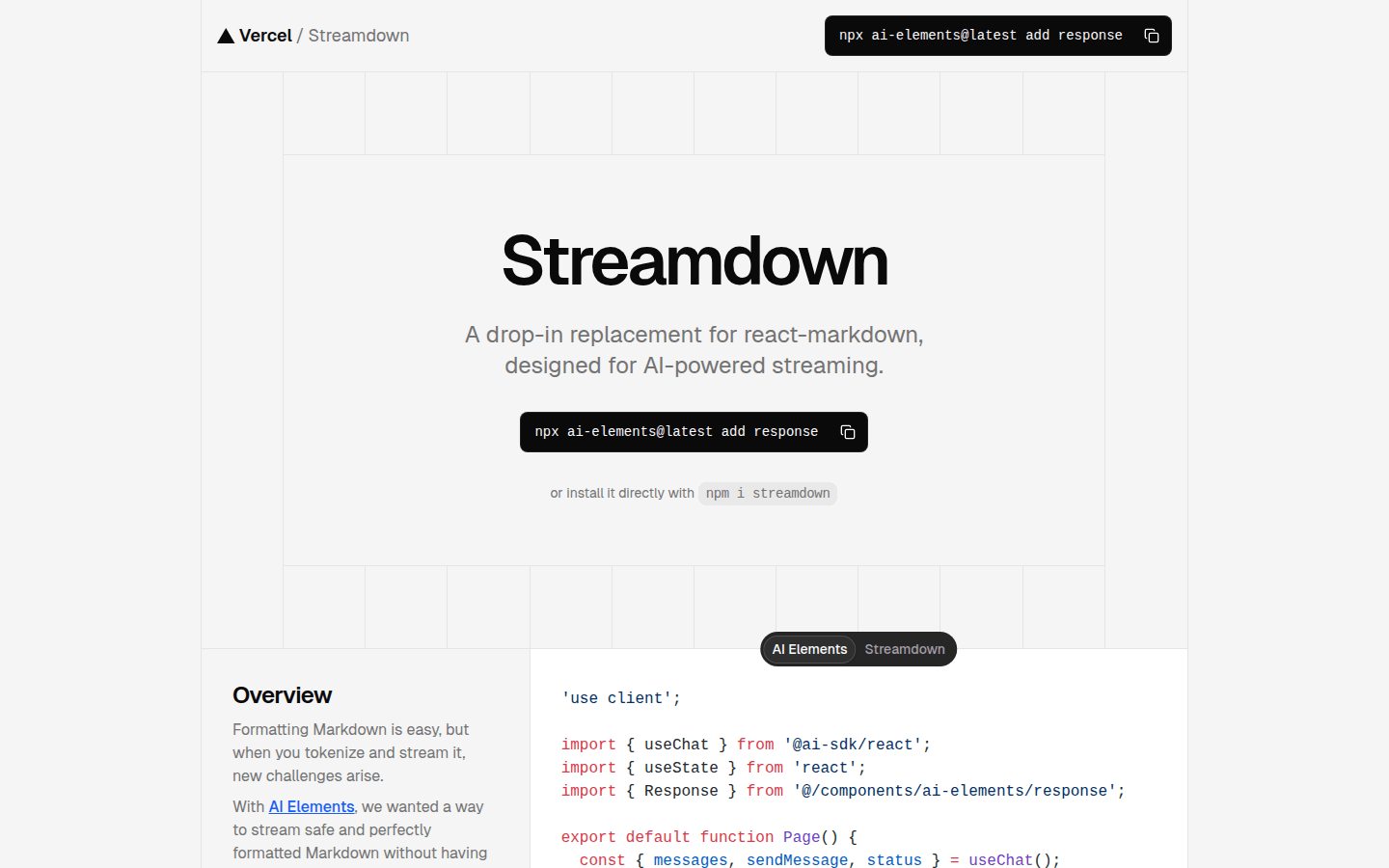
Streamdown
Streamdown is a plug-and-play replacement for React Markdown designed for AI-driven streaming. It solves new challenges that arise when marking and streaming, ensuring safe and perfectly formatted Markdown content. Key advantages include AI-driven streaming, built-in security, support for GitHub Flavored Markdown, and more.
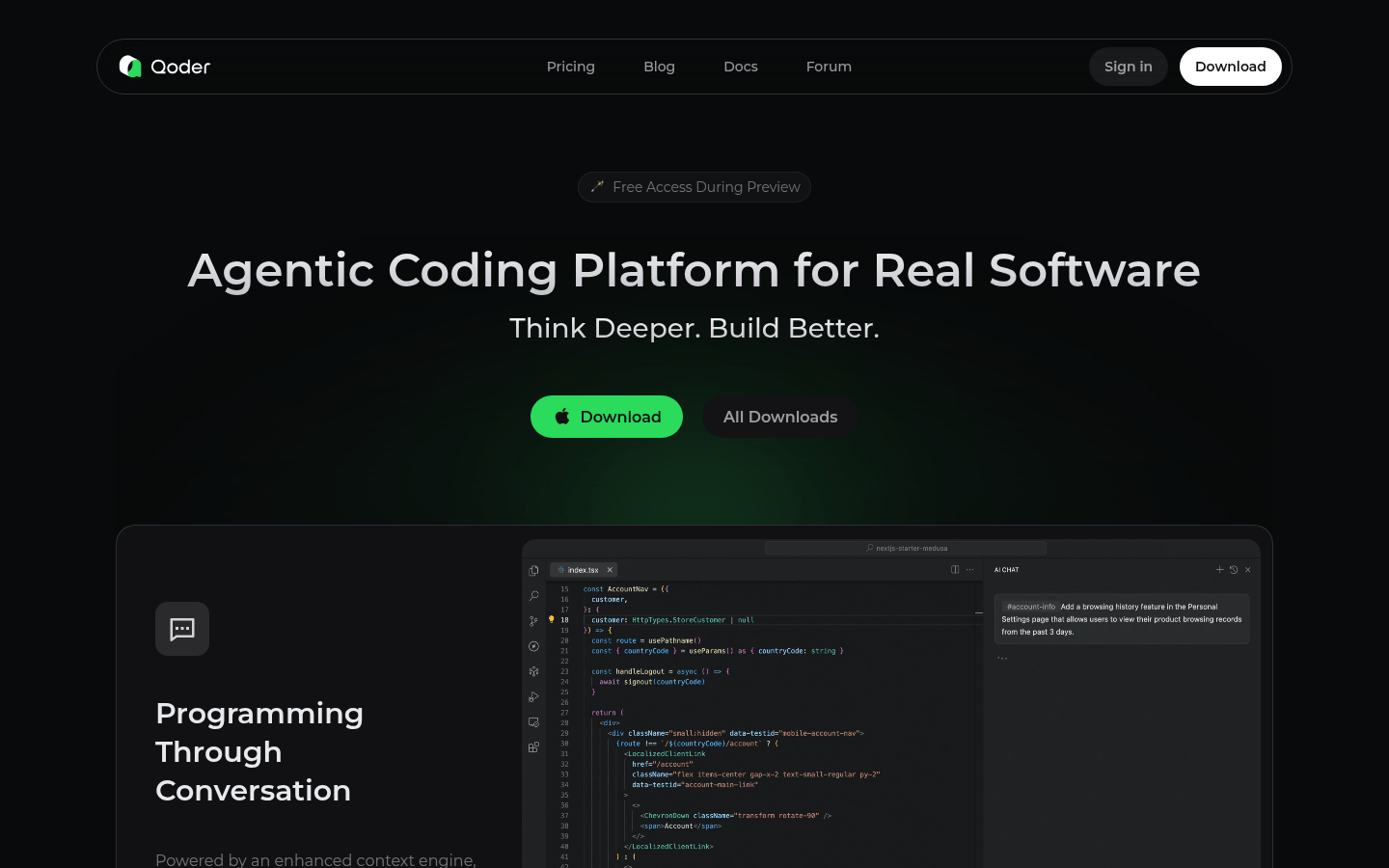
Qoder
Qoder is an agent coding platform that seamlessly integrates with enhanced context engines and intelligent agents to gain a comprehensive understanding of your code base and systematically handle software development tasks. Supports the latest and most advanced AI models in the world: Claude, GPT, Gemini, etc. Available for Windows and macOS.

Compozy
Compozy is an enterprise-grade platform that uses declarative YAML to provide scalable, reliable and cost-effective distributed workflows, simplifying complex fan-out, debugging and monitoring for production-ready automation.

Dereference
Claude Code is a futuristic IDE that seamlessly integrates with CLI AI tools such as Claude Code and Gemini CLI. Its main advantages are that it provides multi-session orchestration, atomic branching capabilities, and greatly improves developer productivity. The product is positioned to be designed for developers who want fast delivery.
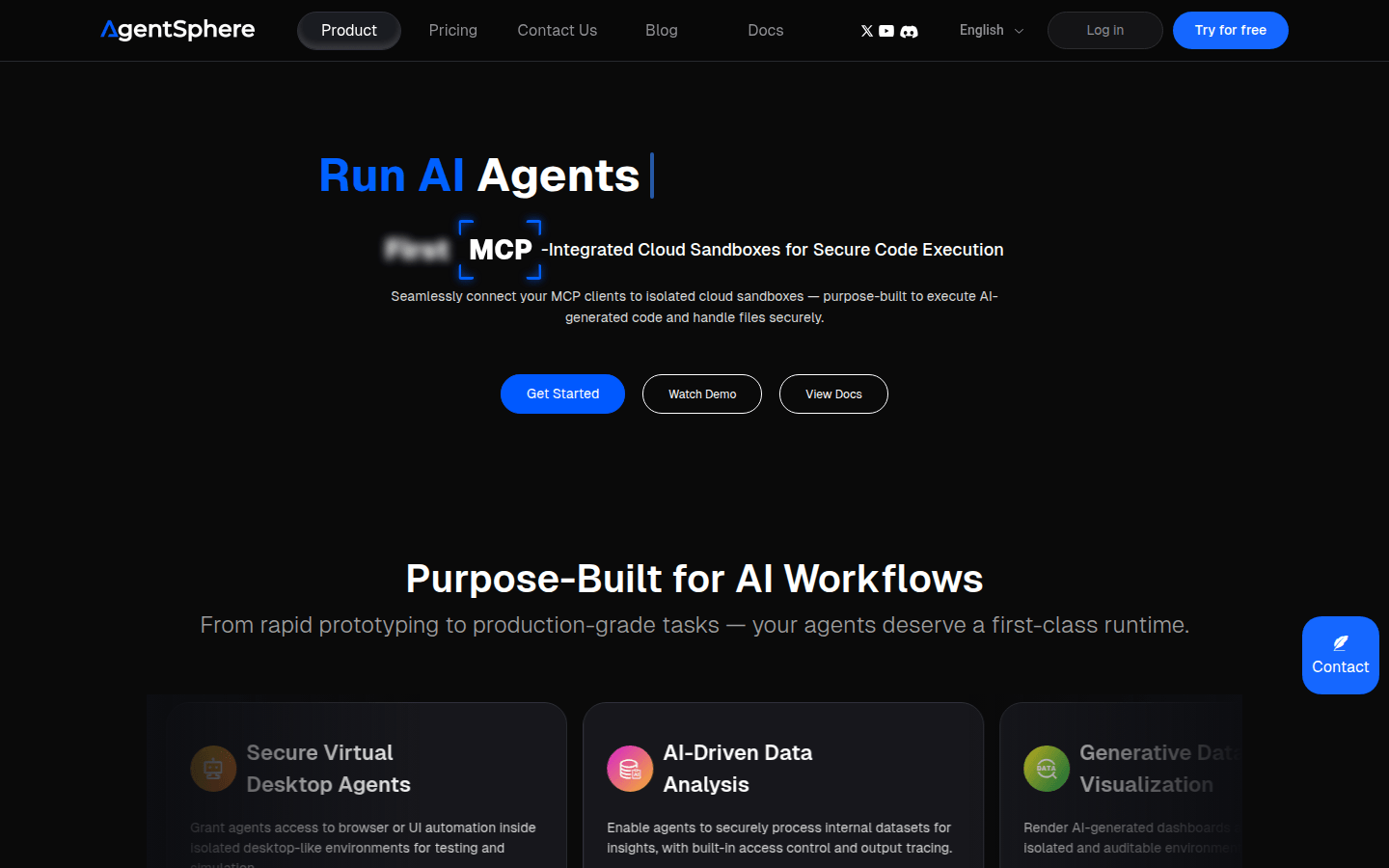
AgentSphere
AgentSphere is a cloud infrastructure designed specifically for AI agents, providing secure code execution and file processing to support various AI workflows. Its built-in functions include AI data analysis, generated data visualization, secure virtual desktop agent, etc., designed to support complex workflows, DevOps integration, and LLM assessment and fine-tuning.
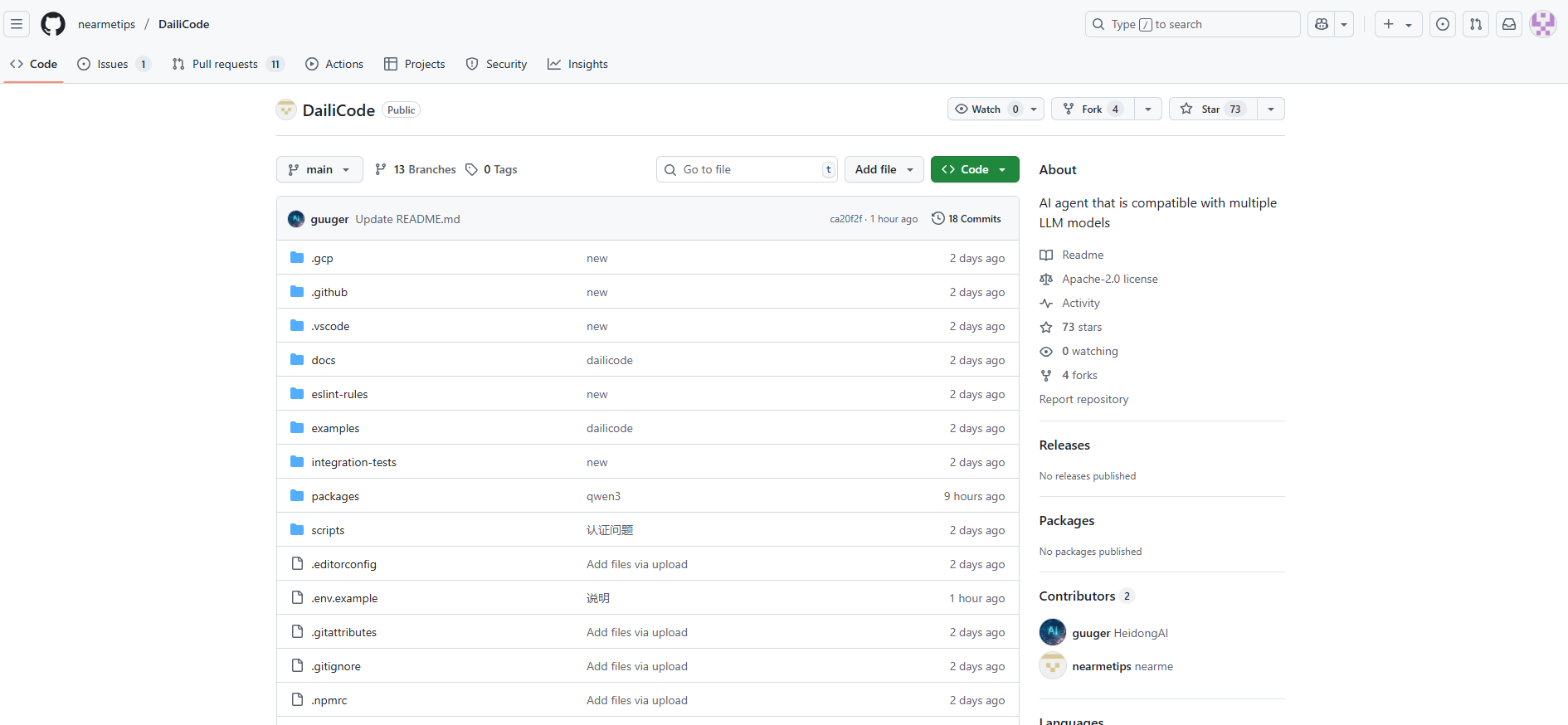
DailiCode
Daili Code is an open source command-line AI tool that is compatible with multiple large language models and can connect to your tools, understand code, and accelerate workflows. It supports multiple LLM providers, provides powerful automation and multi-modal capabilities, and is suitable for developers and technicians.
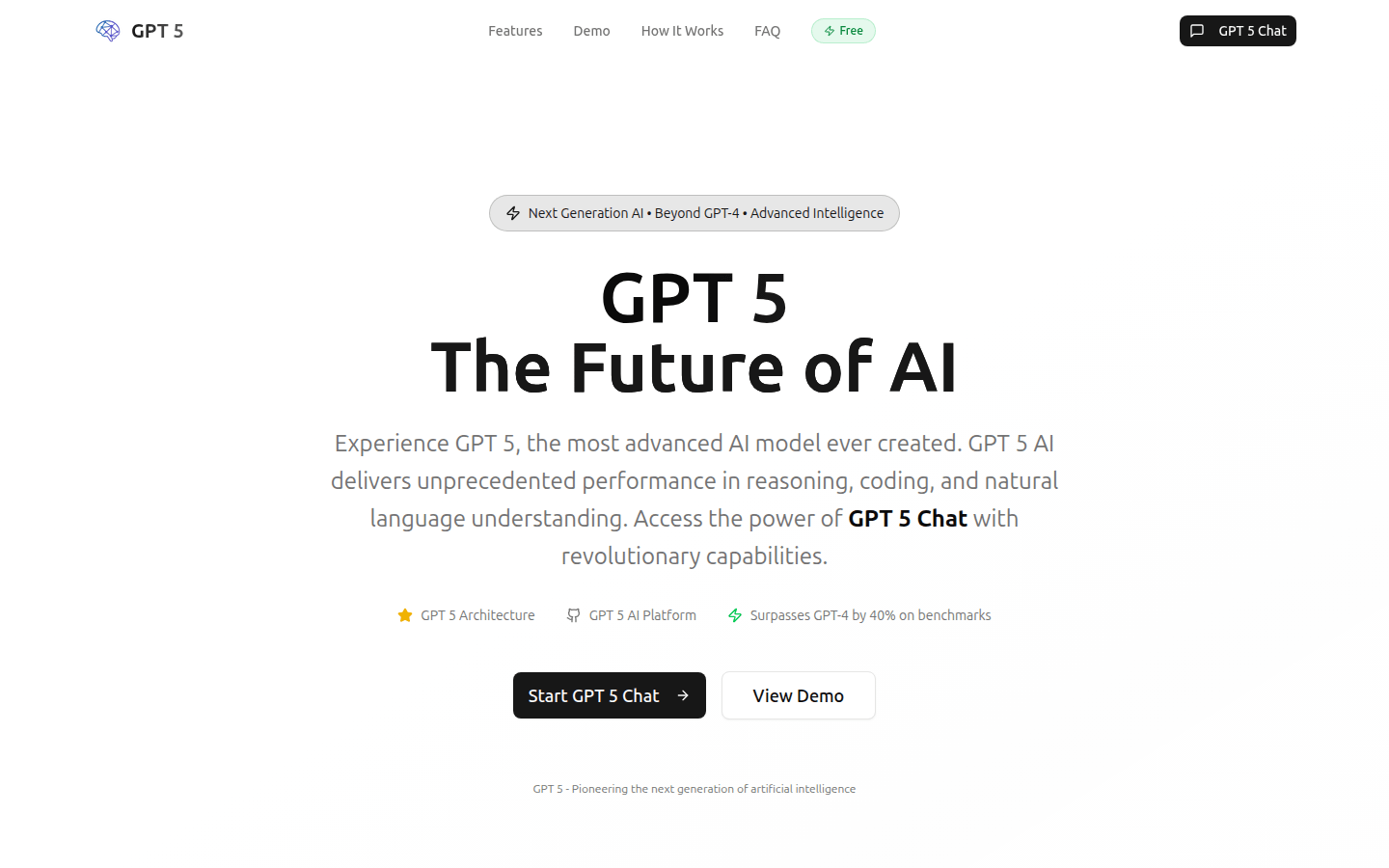
Gpt 5 Ai
GPT 5 is the next milestone in the development of AI, with unparalleled capabilities. Benefits include enhanced reasoning, advanced problem-solving, and unprecedented understanding. Please refer to the official website for price information.
CodeBuddy IDE
CodeBuddy IDE is a development tool integrated with AI technology, designed to improve developers' work efficiency and collaboration capabilities. It helps developers go from design to code faster and provides a secure development environment through intelligent code completion, design generation and seamless back-end integration. The product is aimed at professional developers and has a 30-day free trial, followed by a paid subscription.
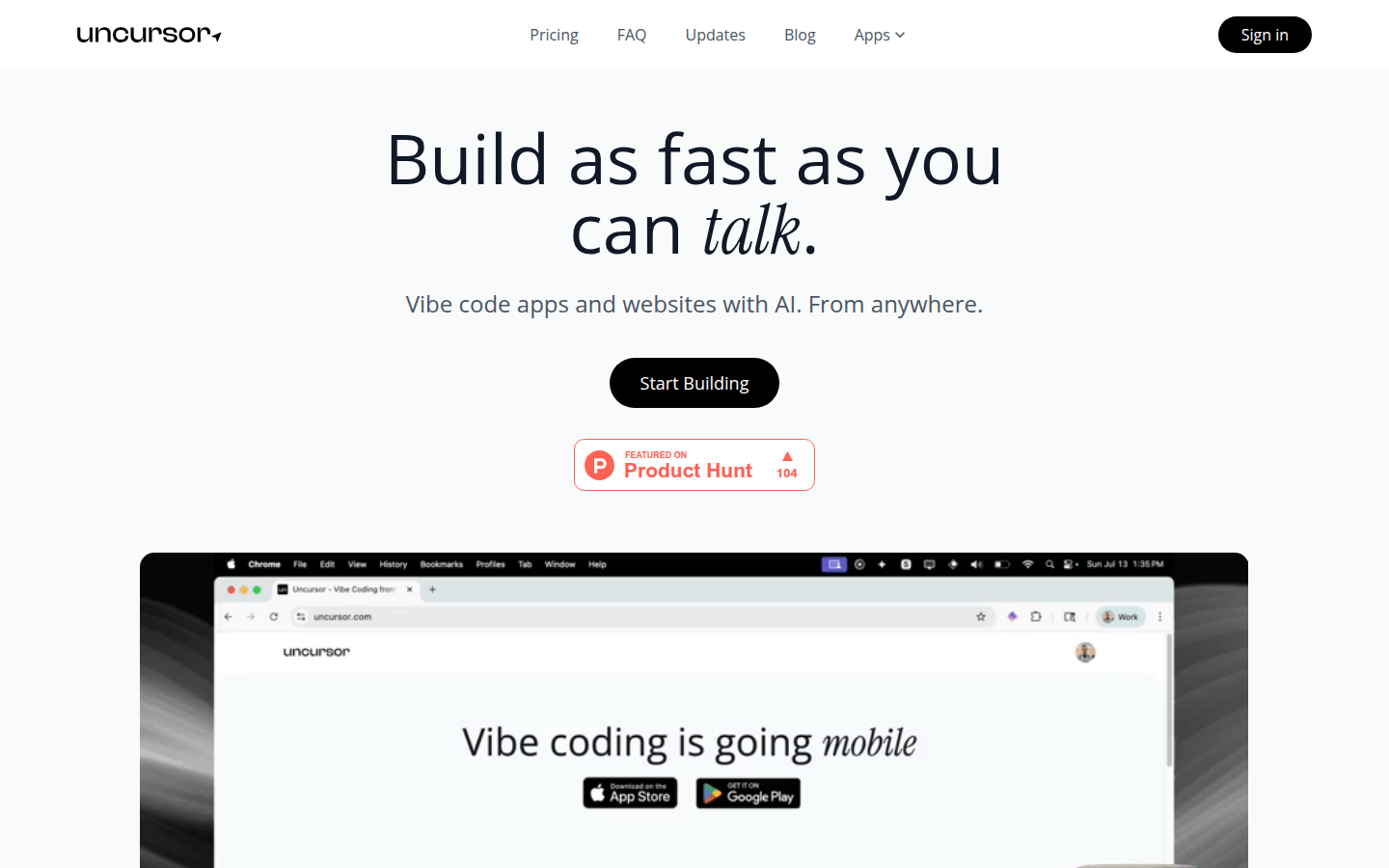
Uncursor
Uncursor is an AI-powered Vibe programming platform that lets you tell an AI agent what you want to build and it will build it for you. Its main advantage is that it allows users to code from anywhere, saving time and increasing efficiency. Uncursor is positioned to help users who want to quickly build applications and websites.
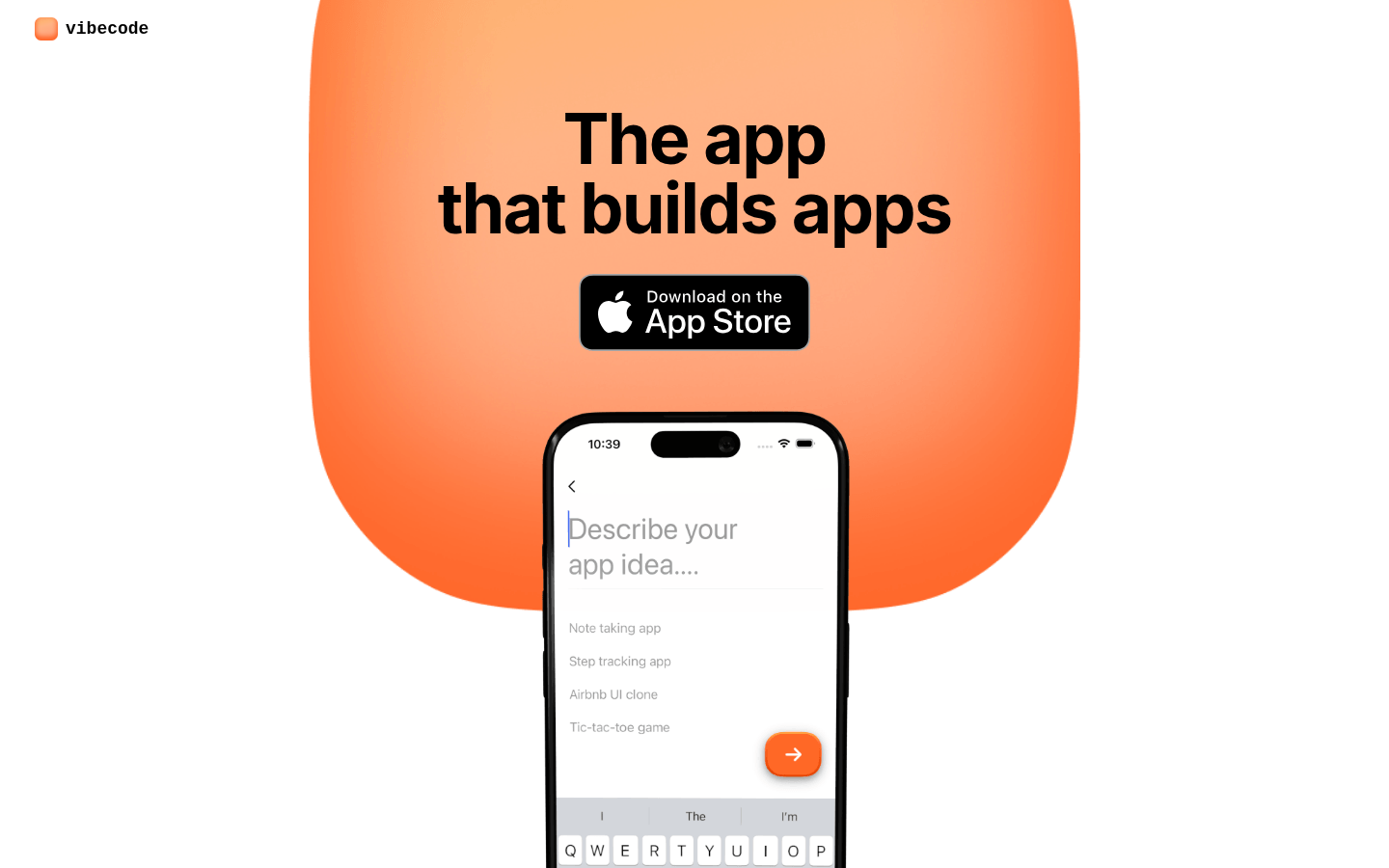
Vibecode
VibeCode is a tool that helps users quickly transform ideas into mobile applications. Its main advantage is a fast, simple and efficient development process coupled with powerful functionality and flexible customization options.
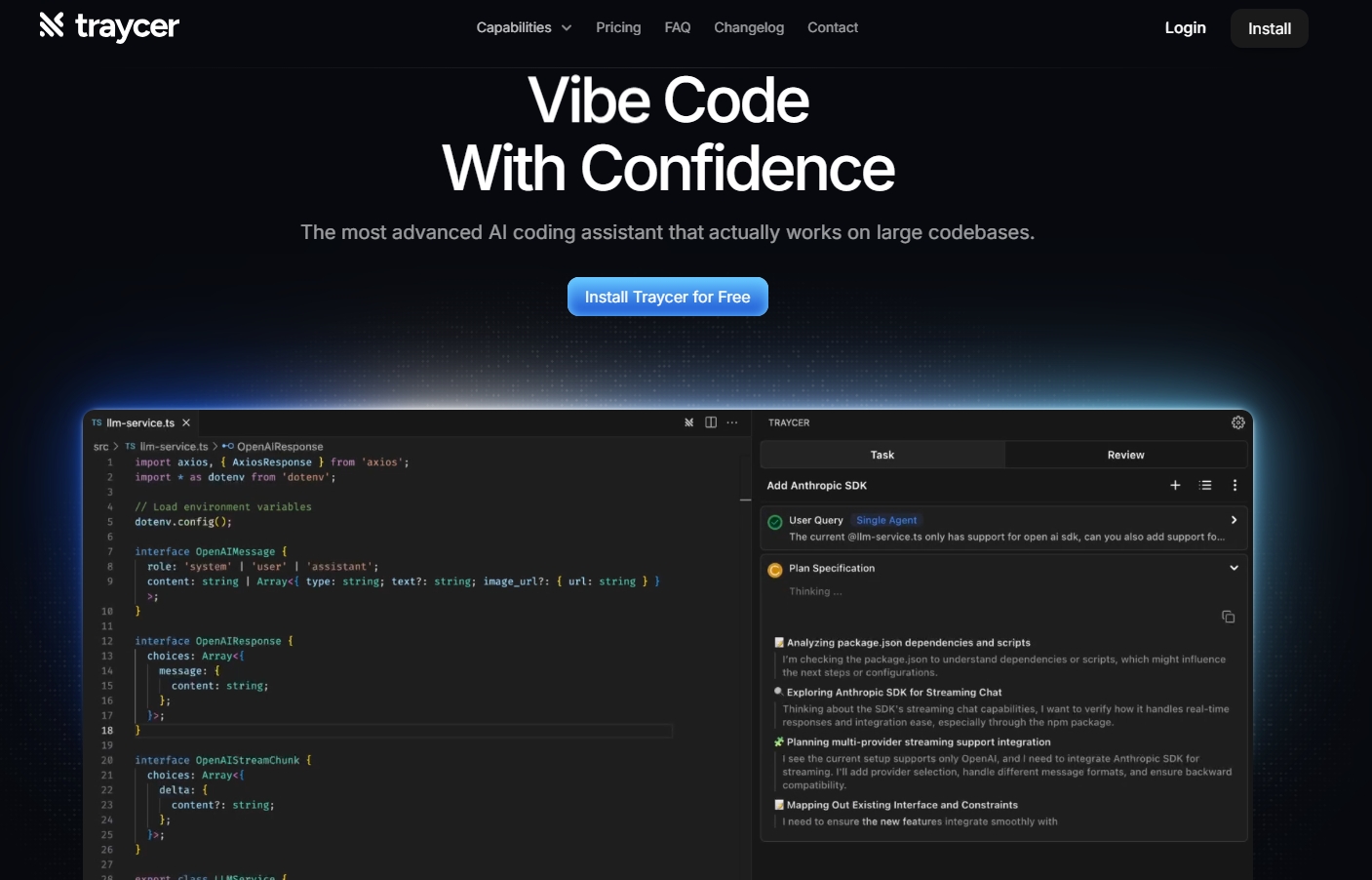
Traycer
Traycer is an innovative coding assistant designed to improve the efficiency of collaboration between developers and AI coding agents. Traycer lets you manage your coding projects more efficiently with its superior scheduling capabilities, ensuring every step is executed optimally. Its intuitive interface and one-click handover make it easy to work with any major AI coding agent. The product is positioned to improve developer productivity and is an indispensable tool for modern software development.